Modern Retail & Wholesale POS Built for Modern Africa
The high-performance cloud POS and inventory management platform by KenIT Solutions. Featuring an exclusive custom mobile deployment engineered for our flagship partner, Benloso Building Hub.



How Benloso Building Hub Powers Massive Hardware Distribution with Dedicated POS
Benloso Building Hub is our premier enterprise user. Rather than a generic off-the-shelf app, KenIT Solutions engineered an exclusive custom Android POS build with their official branding that talks directly with our cloud backend.
-
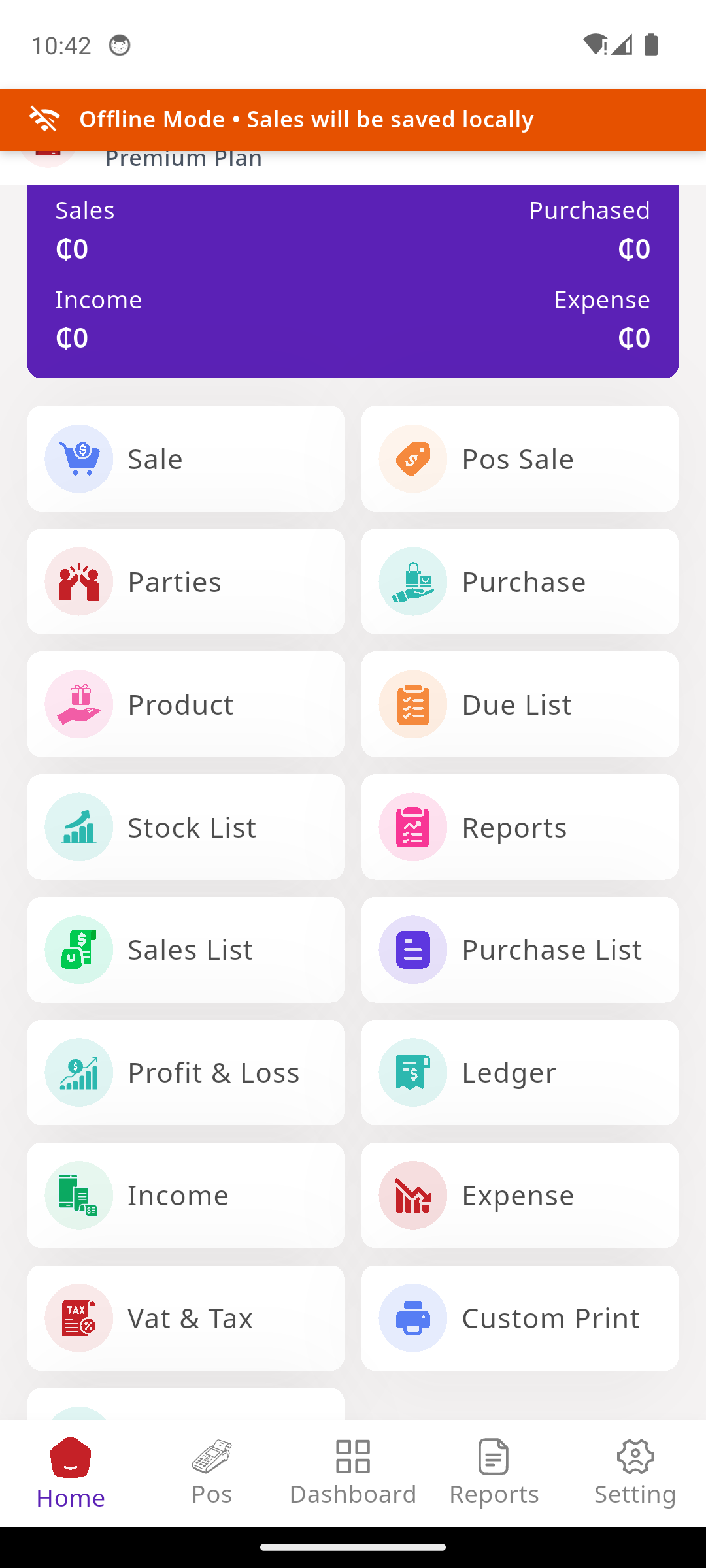
Exclusive Mobile App BuildA dedicated Android app built with Benloso's official logo and colors for seamless cashier operation.
-
Full Hardware Ecosystem IntegrationSeamless compatibility with 58mm & 80mm ESC/POS thermal printers, barcode guns, and cash drawers.
-
Heavy Material & Wholesale TiersHandles multi-unit measurements (bags of cement, bundles of rods, square meters of tiles) with flexible wholesale pricing.
Official Android Apps & Screenshots
Install directly on POS terminals, tablets, and smartphones without waiting for app store verification.
Benloso Building Hub POS
- Official Benloso branding & catalog structure
- Built-in barcode scanner & instant thermal receipt
- Offline counter billing with automatic sync
KenIT Solutions POS
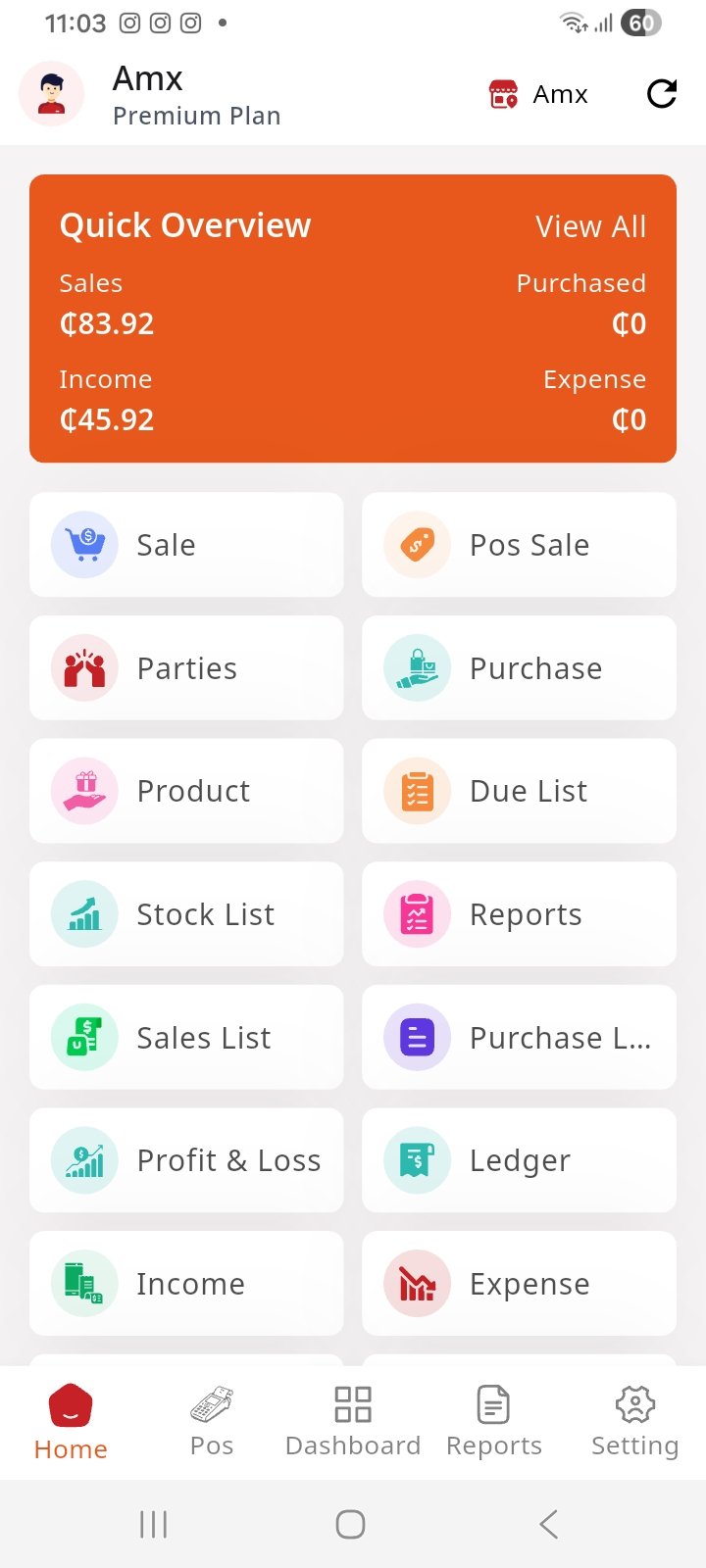
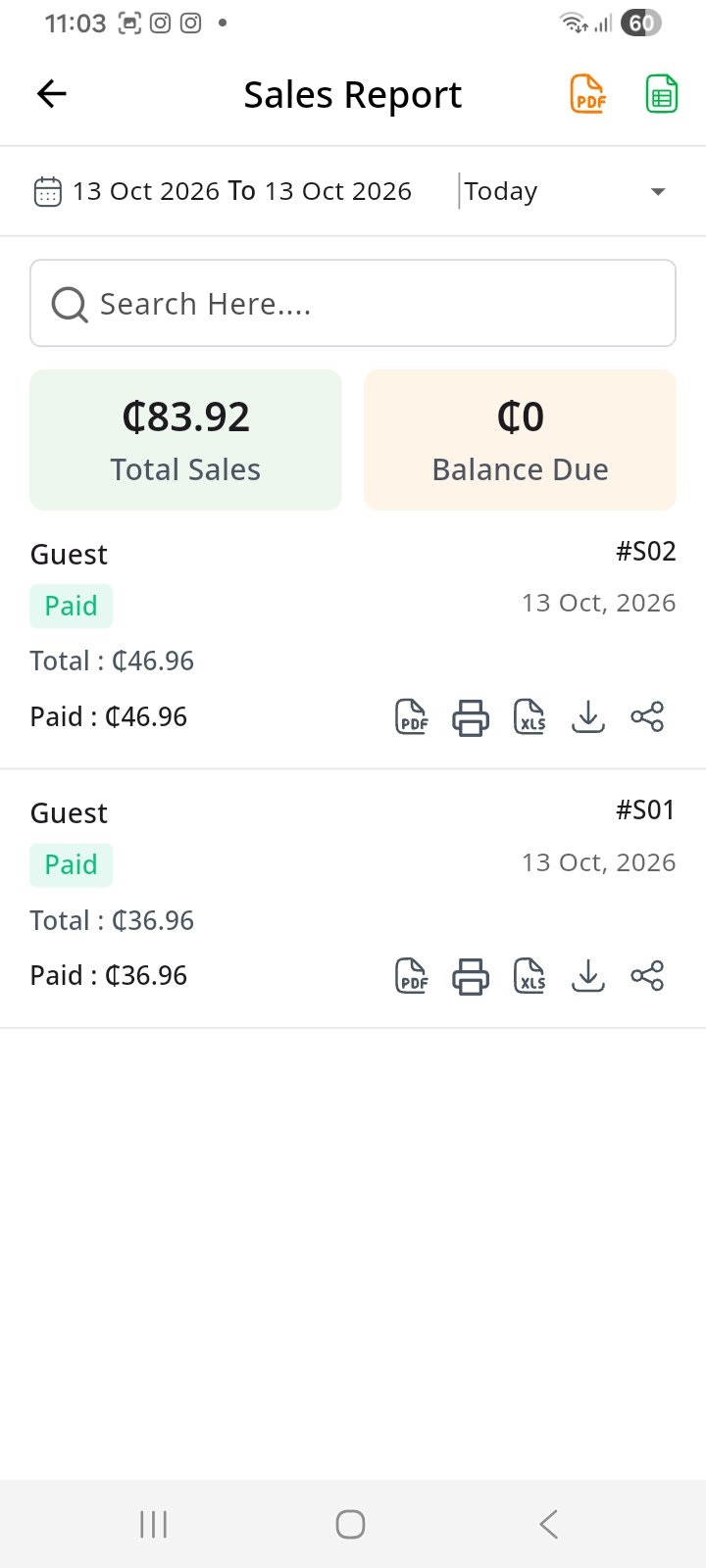
- Multi-store login for any subscribed business
- Real-time sales reporting, PDF receipts & thermal print
- Granular cashier roles, shifts & offline cash ledger
Need Previous Versions, Checksums, or Hardware Specs?
Browse our complete version changelogs (v1.0.13, v1.0.12, v1.0.10), SHA-256 verification hashes, and ESC/POS thermal printer setup guides.
Everything Your Business Needs to Scale
High-speed point-of-sale functionality with multi-branch enterprise controls.
Real-time Cloud Sync
Every transaction updates inventory across all active checkout counters and branches in milliseconds.
Offline Protection
Never pause a checkout queue when internet drops. Invoices queue locally and sync automatically when reconnected.
Granular Roles & Auditing
Strict role permissions for cashiers, managers, and accountants with timestamped audit trails for every edit.
Multi-Branch & Warehouses
Manage multiple store locations, track centralized warehouse inventory, and transfer stock effortlessly.
Ghana Cedi & Multi-Currency
Native support for GHS, Mobile Money (MTN MoMo, Telecel, AT), cash, card, and customer credit ledger tracking.
Executive Analytics
Real-time profit margins, bestsellers, dead stock reports, and cashier shift reconciliation on any device.
Customized for Ghanaian Commerce
Optimized product attributes, units, and workflows tailored for top business sectors.
Go Live in 3 Simple Steps
From download to printing receipts in under 5 minutes.
Download or Sign Up
Install the signed Android APK onto your phone/terminal or access via web browser.
Configure Products & Hardware
Import products via Excel or add barcodes directly. Connect thermal printer via Bluetooth or USB.
Sell, Ring & Scale
Scan items, collect payments via cash/MoMo/card, print customer receipts, and monitor live profits.
Proven in High-Traffic Counters
"Having our own custom APK with Benloso's logo that directly talks to the cloud database changed our operations completely. Cashiers ring up cement and iron rods in seconds."
"Even when telecom network fluctuations occur, our cashiers continue billing offline. When data returns, everything syncs without duplicate receipts."
"The audit trail stopped unexplained stock shrinkages. I can see every discount, voided invoice, and daily cash drawer reconciliation right on my phone."
Frequently Asked Questions
Everything you need to know about setup, hardware, and mobile APK deployment.